
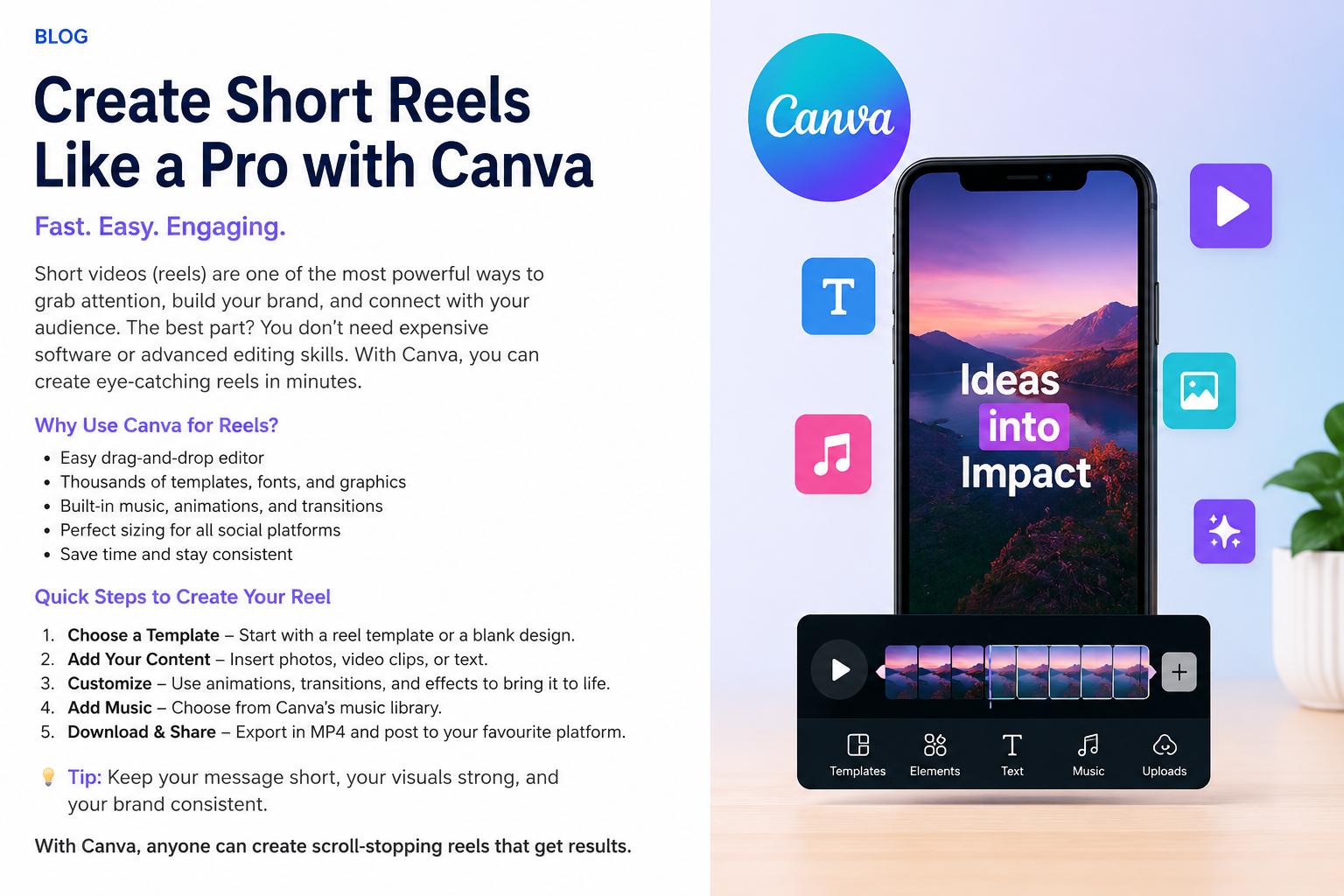
Create Short Reels with Canva: Simple, Fast and Effective
Short-form video has become one of the most powerful ways to capture attention online. Whether you’re promoting a small business, introducing a new service, sharing useful information or building your brand, Reels and short videos can deliver your message in seconds.
But creating professional-looking videos doesn’t necessarily require expensive software or advanced editing skills.
Canva makes it surprisingly simple.
Why Canva Is Great for Creating Reels
Canva has evolved from a simple graphic-design platform into a powerful content-creation environment.
You can combine video clips, photographs, text, graphics, animations, transitions, music and branding within one easy-to-use interface.
For small businesses, this is particularly useful because you don’t need a dedicated video-production team every time you want to publish something on social media.
You can create short videos for:
- Instagram and Facebook Reels
- YouTube Shorts
- TikTok
- Product and service promotions
- Educational content
- Business announcements
- Customer testimonials
- AI-generated marketing campaigns
Creating Your First Short Reel
Start in Canva by selecting a vertical video or Reel template. For most short-form social platforms, a 9:16 vertical format is the ideal starting point.
You can use one of Canva’s ready-made templates or create your own design.
Then add your content.
This might include your own photographs and videos, Canva stock content, graphics, logos, headlines and short pieces of text.
The important thing is to keep the message simple.
Someone scrolling through social media may give your video only a second or two before deciding whether to continue watching.
Your opening needs to give them a reason to stop.
Instead of:
“Welcome to our company. We provide a range of innovative services…”
try something stronger:
“How much business are you losing from unanswered calls?”
You’ve immediately created curiosity.
Use Movement Without Overdoing It
Canva provides animations, transitions and visual effects that can transform static content into an engaging short video.
But more animation doesn’t necessarily mean a better Reel.
Use movement to emphasise your message rather than distract from it.
A simple combination of a strong image, animated headline, subtle transition and background music can often look more professional than a video overloaded with effects.
Add Music and Audio
Sound is another important part of short-form content.
Canva provides music and audio options that can be added directly to your video timeline. You can adjust the duration and position of the audio to match your visuals.
If your Reel contains spoken content, make sure the background music doesn’t overpower the voice.
And remember that many people initially watch social content with the sound turned off, so important information should also appear visually as text or captions.
Keep Reels Short and Focused
Don’t try to explain your entire business in one Reel.
Instead, create one Reel around one idea.
For example, an AI automation business could create separate short videos around:
“3 Tasks an AI Agent Can Automate”
“What Happens When Your Business Misses a Phone Call?”
“Meet Your 24/7 AI Receptionist”
“Can AI Actually Book Customer Appointments?”
“How AI Agents Can Help Small Businesses”
Each topic can become an individual piece of content.
This approach also gives you a continuous stream of ideas rather than trying to squeeze everything into one video.
Canva + AI = Faster Content Creation
This is where things become particularly interesting.
Artificial Intelligence can help you develop the idea, headline, script, caption and call to action, while Canva provides the visual production environment.
Your content workflow can become:
Idea → AI → Script → Canva → Reel → Social Media
Instead of spending hours thinking about what to create, businesses can develop multiple content ideas and quickly turn the best ones into short videos.
AI doesn’t have to replace creativity.
It can accelerate the creative process.
Don’t Forget the Call to Action
A beautiful Reel isn’t necessarily an effective marketing Reel.
Ask yourself:
What do I want the viewer to do next?
Your call to action might be:
Visit our website
Book a consultation
Follow us for more AI tips
Send us a message
Learn more
Talk to our AI receptionist
Give viewers a clear next step.
From Ideas to Impact
The biggest advantage of Canva is accessibility.
A small business owner doesn’t need to become a professional video editor to start creating effective short-form content.
Start with one idea.
Keep your video short.
Create a strong opening.
Use clean visuals.
Communicate one clear message.
Finish with a call to action.
Then publish, learn from the results and create the next one.
In today’s fast-moving digital environment, consistency often matters more than perfection.
Turn your ideas into content. Turn your content into attention. And turn that attention into business opportunities.
TheBestMediaMakers — Ideas. Content. Impact.
Leave a Reply